

House Surveillance Cameras: The Ultimate Guide to Smart Home Security
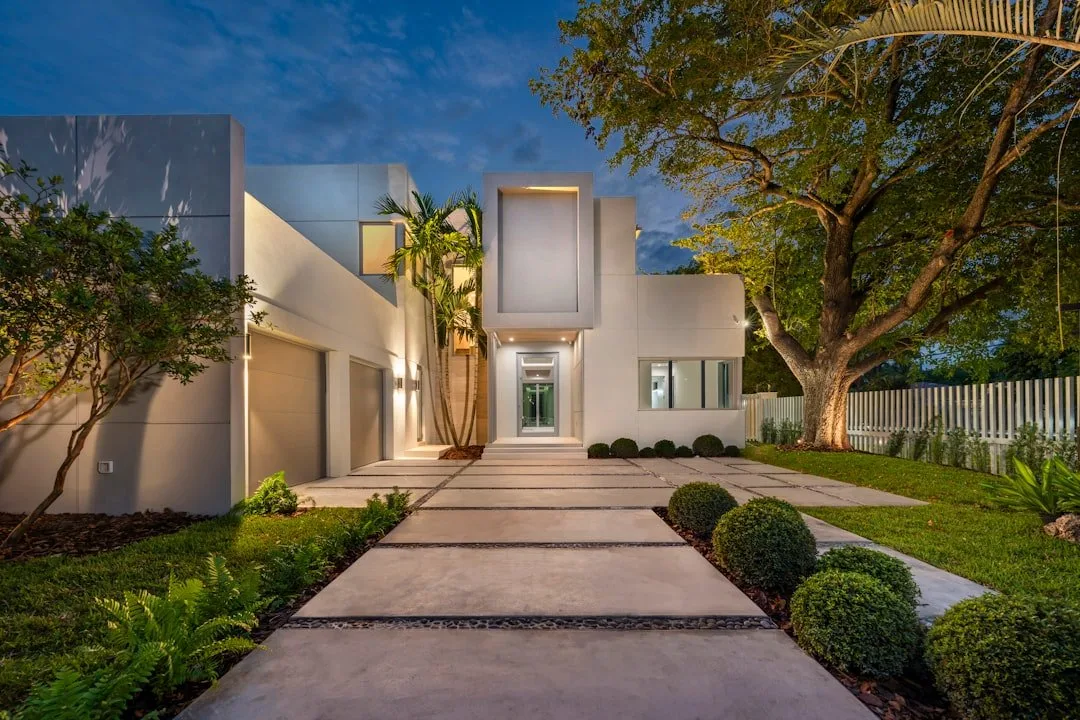
House surveillance cameras are one of the most important investments you can make for your home, your family, and your peace of mind. Modern systems go well beyond simple recording — AI can now tell the difference between a person, a pet, a vehicle, and a passing shadow, and cameras can integrate directly into a broader automated home.
Types of Cameras and Where They Belong
A well-designed system typically mixes several camera styles rather than relying on one type everywhere:
- Indoor cameras: compact and discreet, covering entryways and common areas; higher-end models include a physical privacy shutter you can close when you’re home.
- Outdoor cameras: weatherproof housings, typically rated IP65 to IP67, for perimeter, gate, and driveway coverage.
- Floodlight cameras: pair a camera with a bright, motion-activated LED floodlight — effective for dark side yards, alleys, and garage entries.
- Pan-tilt-zoom (PTZ) cameras: can physically rotate and zoom, useful for covering a wide backyard where a fixed lens would leave blind spots.
Power and Storage
How a camera gets power matters as much as the camera itself. Hardwired/PoE cameras offer maximum reliability, continuous 24/7 recording, and no batteries to manage, but need professional installation to run cable. Plug-in cameras offer constant power without cable-running, limited to spots near an outlet. Battery-powered cameras are fully wire-free and easy to place but need recharging every few months and typically only record motion events rather than continuously. Solar-powered cameras trickle-charge automatically but depend on consistent sunlight.
Storage follows a similar tradeoff: cloud storage is convenient and accessible from anywhere but usually requires a monthly subscription and a working internet connection, while local storage — an onboard microSD card or a dedicated NVR — is faster, keeps data private, and keeps working even if the internet goes down.
Resolution and Image Quality
Resolution determines whether footage is actually useful after an incident:
- 1080p HD: fine for basic indoor monitoring, but footage pixelates quickly when you zoom in.
- 2K: a solid step up in clarity and field of view, a good balance for general outdoor use.
- 4K Ultra HD: four times the detail of 1080p — enough to digitally zoom in on a license plate or a face from across the yard.
High Dynamic Range (HDR) matters just as much as raw resolution. Without it, a camera facing a bright sky will wash out the background and lose detail in the shadows below; HDR balances both so nothing gets lost.
Wired Systems vs. Standalone WiFi Cameras
Wired NVR/DVR systems connect every camera to a central recorder over cable, recording continuously without touching your home WiFi and without a subscription, since footage stays on a local hard drive. Standalone WiFi cameras are far easier to install, with no cable runs, but depend on your network staying up, and most only record short clips triggered by motion rather than continuous footage.
Subscriptions and Smart Home Integration
Many consumer brands hold their best features — extended video history, familiar face recognition, package detection — behind a monthly subscription; skip it, and some cameras drop back to live-view only, with no way to review what happened after the fact. Systems built around local NVRs or professional-grade hubs can offer the same AI features and secure local storage without recurring fees. The most useful setups also tie cameras into the rest of the home: motion detected at night can trigger landscape lighting to ramp up automatically while an indoor panel shows a live feed of the driveway.
Installation and Placement
A few placement guidelines make a real difference: mount outdoor cameras 8 to 10 feet up, high enough to be out of easy reach but low enough to capture clear facial detail; cover the front door, back door, and any low, easily-accessed windows; and avoid pointing a camera directly east or west, since direct sunrise or sunset light will blind the sensor. Cameras should also stay pointed at your own property — avoid angles that capture a neighbor’s yard or windows, both as a matter of courtesy and to stay within local privacy expectations.
Getting the Layout Right
Camera choice and placement both depend heavily on the specific property — a sprawling estate, a multi-story hillside home, and a single-story house near the coast all call for different coverage strategies. If you’d like a second opinion on where your blind spots are, or how to tie cameras into lighting and monitoring, we’re glad to help you think it through.